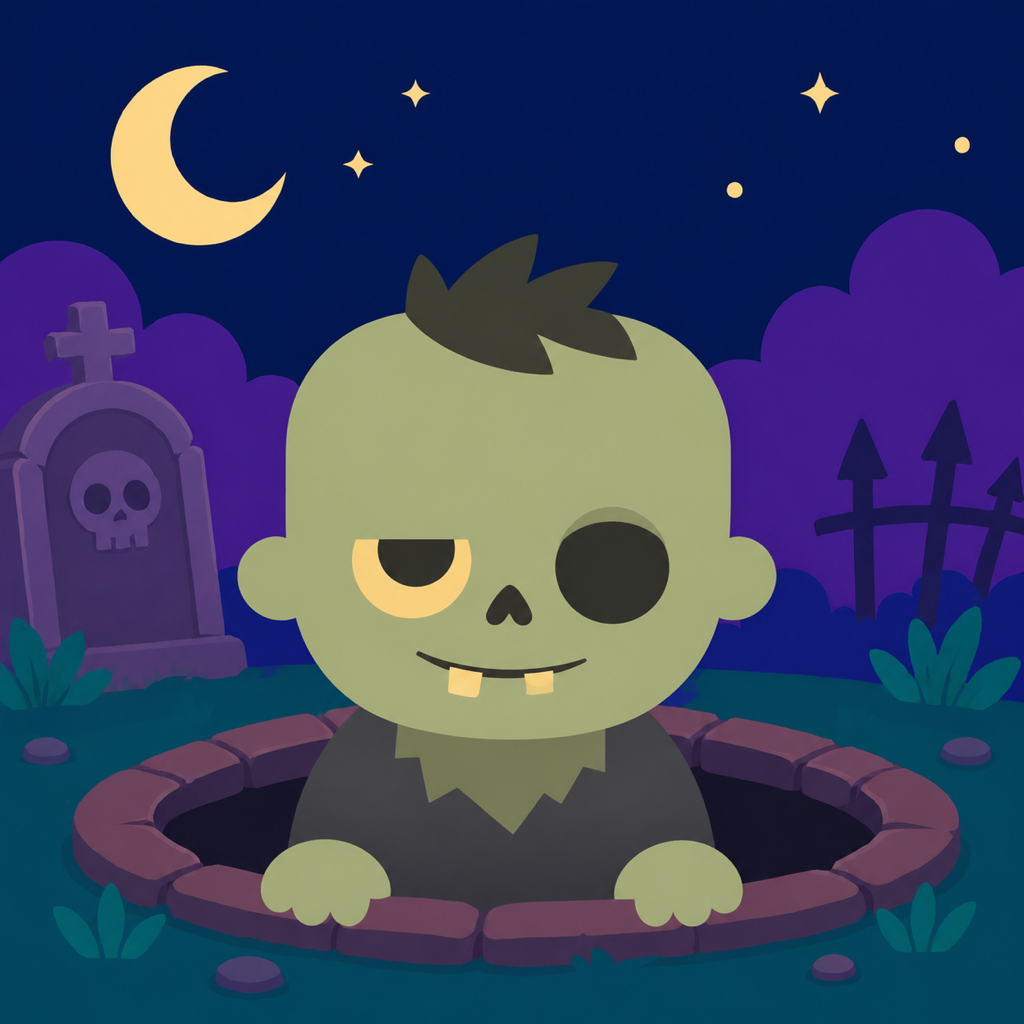
Zombie Pop!
Support for iOS & Android
Tap the monsters as they emerge from their holes. Discover monsters from around the world and complete your collection.
This page provides support and privacy information for both the iOS and Android versions. Screens and features may differ depending on your OS and app version.
Support
Frequently asked questions
Where are my game records stored?
High scores, play count, highest combo, and monster collection data are stored locally on your device.
Can I transfer data between iOS and Android?
Progress and collection data are stored separately on iOS and Android. The app does not provide cloud storage, device syncing, or cross-platform transfers.
Can I start over?
Open Settings in the app and select Reset Records to erase high scores and collection data. This cannot be undone.
I watched an ad but could not continue.
You can continue once per game. After the ad has played to the end and the reward is confirmed, you will resume with one life. Availability depends on your connection and ad inventory. You can always select End This Game instead.
When do result-screen ads appear?
As a general rule, an ad appears on the results screen after every four completed games. If you used a rewarded continue or no ad was available, it will be skipped and carried over to the next eligible results screen.
How do I unlock the “?” entries?
Monsters are recorded when defeated, while humans are recorded when encountered. Some monsters require conditions such as play count, stage, game mode, or combo.
Can I turn off sound or vibration?
You can change music, sound effects, and haptic feedback individually in Settings. Haptic feedback depends on your device support and settings.
Contact
For bugs or feedback, email us with your platform (iOS or Android), device manufacturer and model, OS and app versions, and the steps that caused the issue.
Send emailContact: bandits.casket.0f@icloud.com